


Vinexel Studio
A developer workspace for focused Vinexel work.
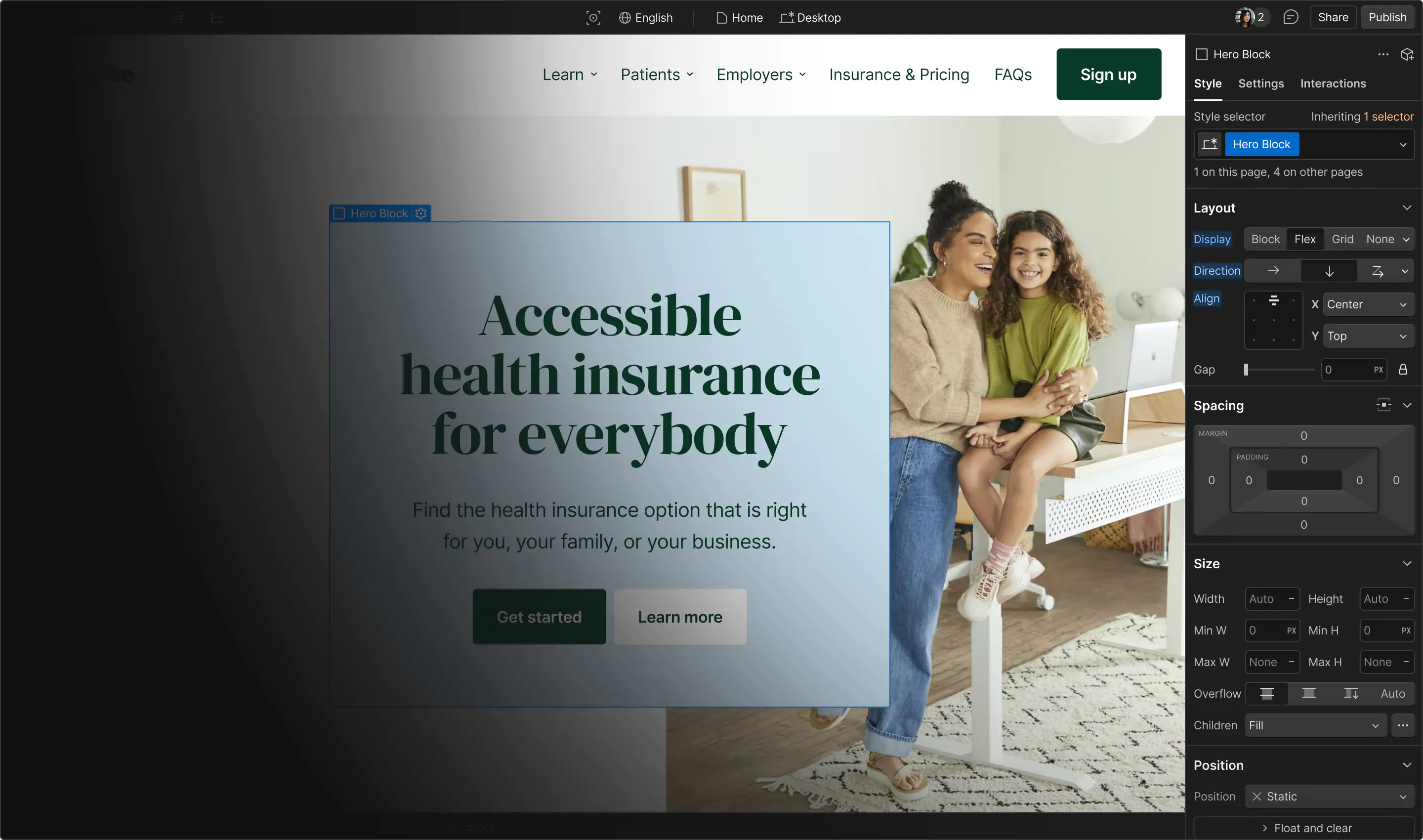
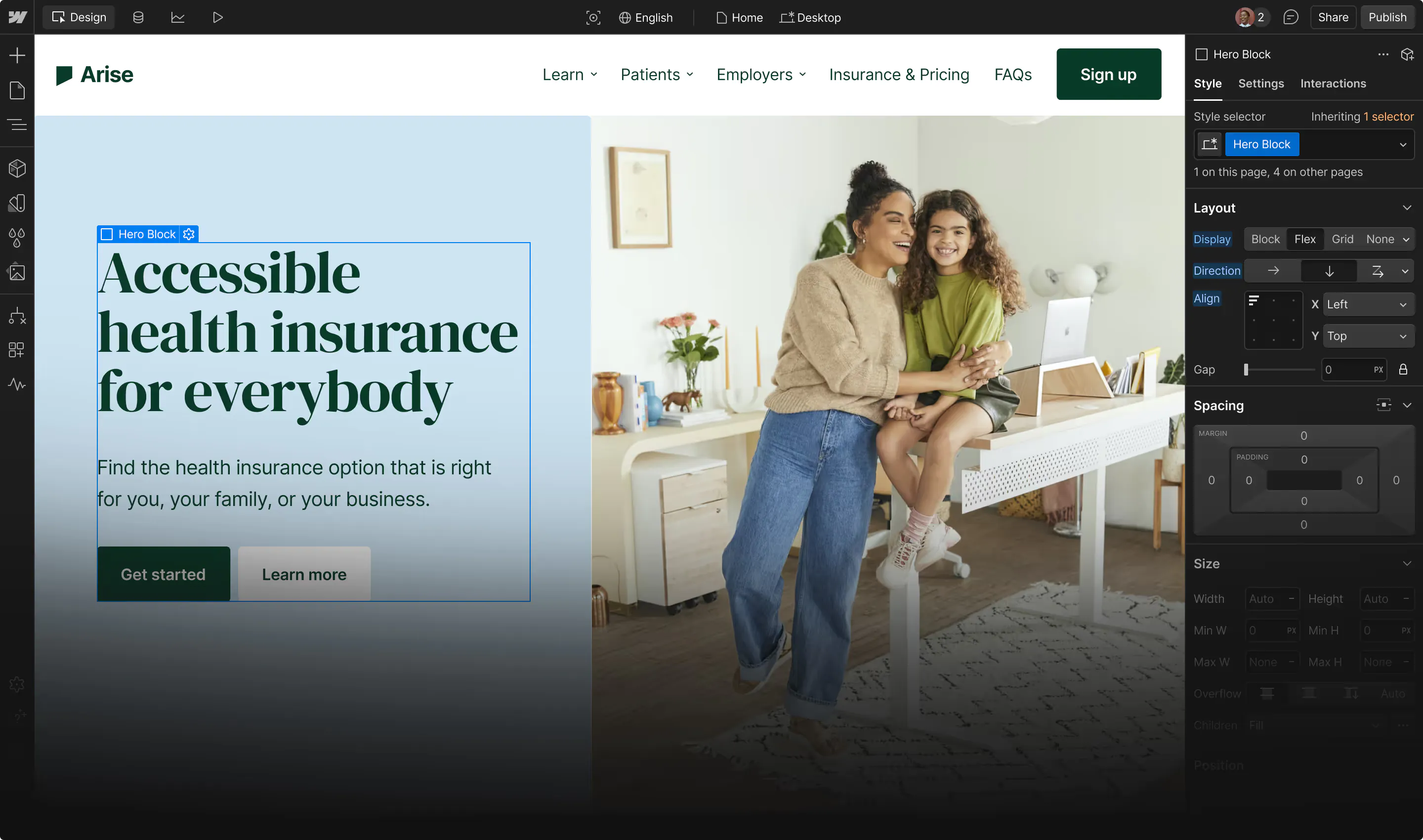
Vinexel Studio is the desktop workspace direction for creating, inspecting, and coordinating Vinexel projects with their tooling and diagnostics close at hand.
A workspace for the project, not only the editor
Studio brings project workflows, visual and code-oriented work, diagnostics, and ecosystem connections into a single environment. It is under active development, so its direction should be evaluated against the current project materials.
What Studio is designed to bring together
01
Project context: work from a view of the project structure, its services, and the decisions that affect delivery.
02
Developer tooling: coordinate editor, workflow, and assistant-oriented capabilities without separating them from project ownership.
03
Diagnostics and review: make implementation signals available where teams investigate, discuss, and improve the work.
How to approach the current direction
Because Studio is active development work, use documented capabilities and project evidence rather than treating future direction as a release commitment.
01
Start with the workflow: identify the planning, implementation, review, and diagnostic steps that need one shared workspace.
02
Check integration boundaries: confirm which local tools, project services, and runtime contexts must remain visible to the team.
03
Keep decisions portable: record project conventions so they remain understandable whether work happens inside Studio or another approved environment.
Keep developer context connected
Studio complements the Framework and research work by giving the people building the system a clearer place to inspect and coordinate it.